Console map
Every area of the web console, what you do there, and which role can open it.
The console's left rail, top to bottom. The console is built for desktop widths.
| Rail | Pages | What you do there |
|---|---|---|
| Overview | Overview | Health, what needs attention, recent runs |
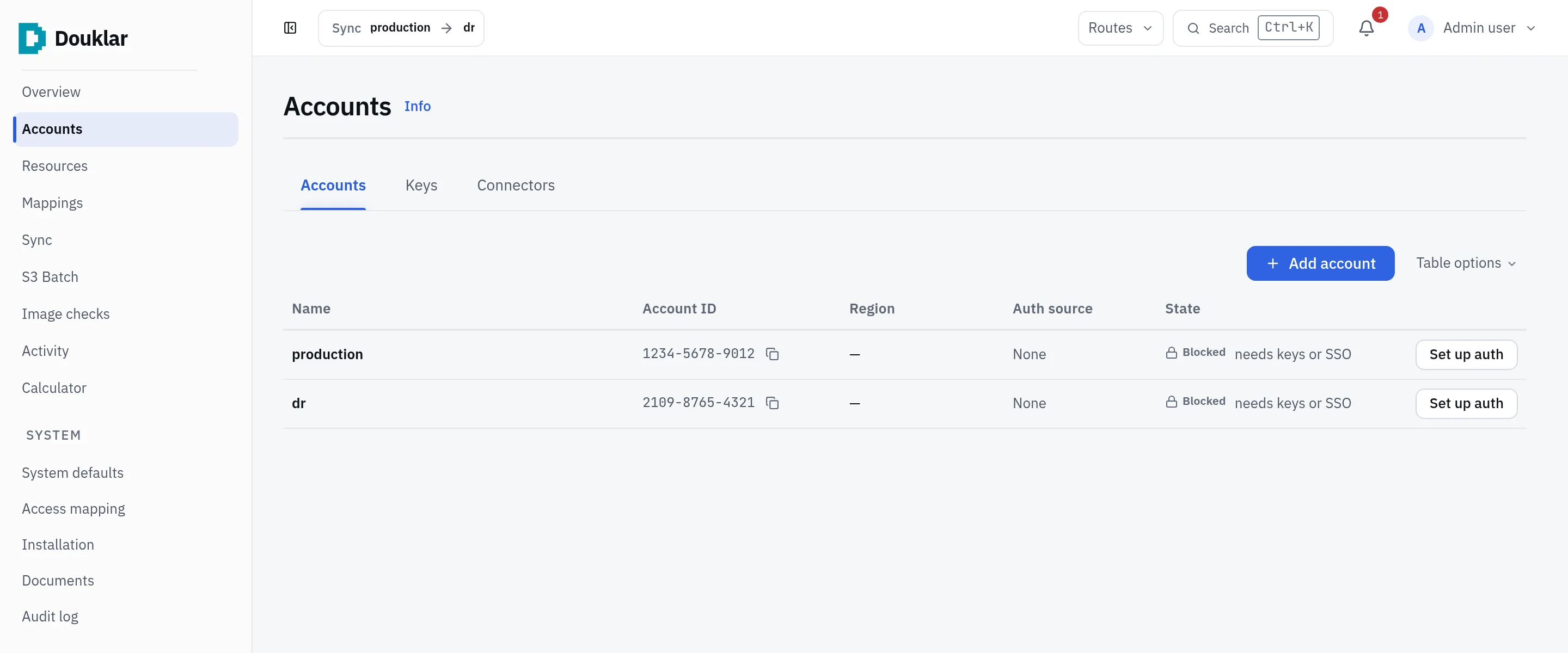
| Accounts | Accounts, Keys, Connectors | One profile per AWS account; access keys; IAM Identity Center sign-in; stored connector credentials with an STS identity test |
| Resources | S3 inventory, ECR inventory | Cached catalogs of buckets and repositories per account |
| Mappings | Mapping studio | Source to destination pairs per service, grouped by app |
| Sync | Sync, Sync policies, Upload files | Scope, review and run a sync; upload local files to S3 |
| S3 Batch | S3 Batch | Readiness, Prepare, manifests, jobs, completion reports |
| Image checks | Image checks, Checker policies | Check that destination ECR repositories hold the expected versions |
| Activity | Activity | Every run with counts, logs and outcomes; Re-run, Retry failed |
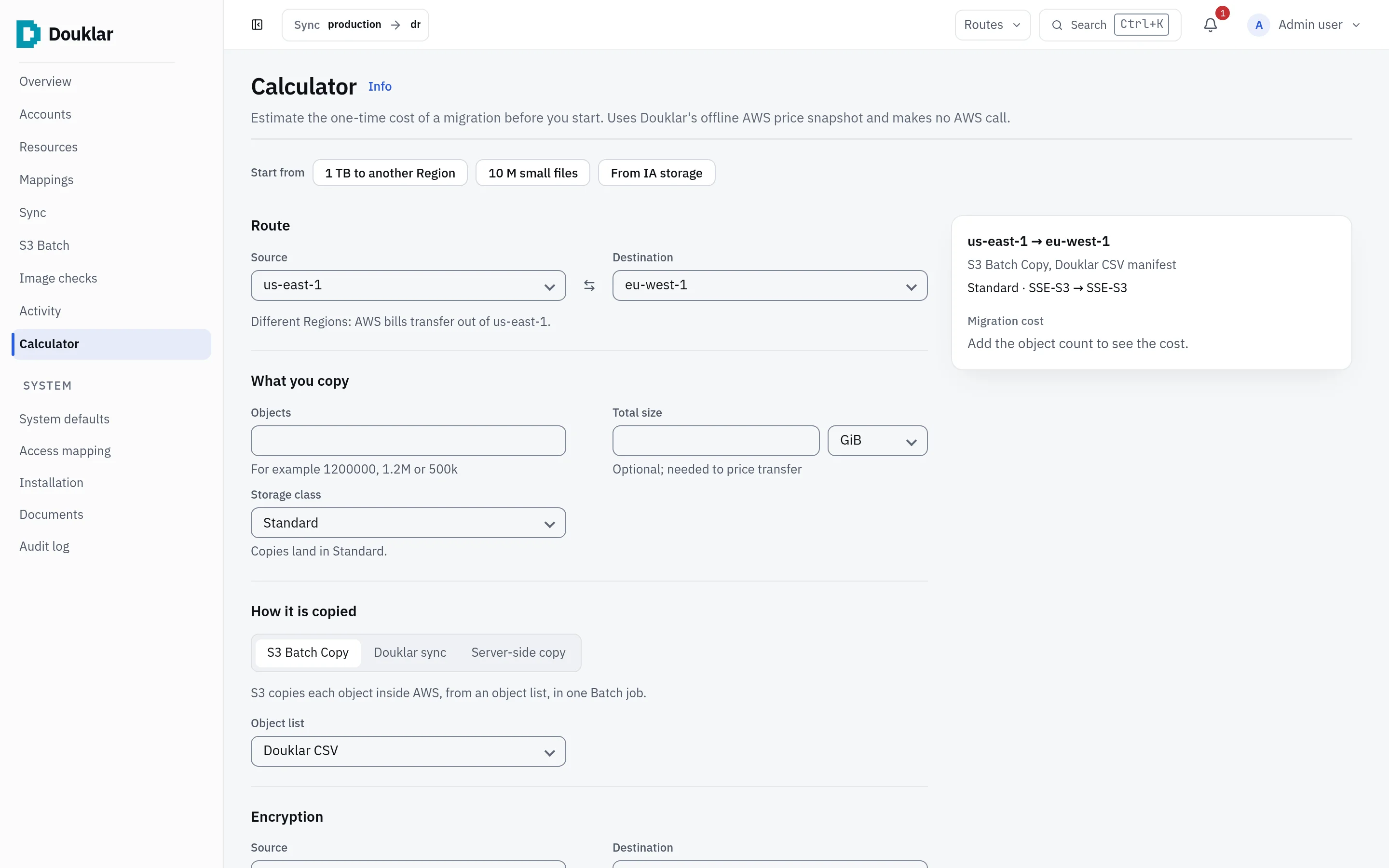
| Calculator | Calculator | An estimate of the AWS cost of a one-time S3 copy, with CSV export |
| System | System defaults, Authentication, Imports, Access mapping, Installation, Plugins, Maintenance, Documents, Audit log, Log retention | Settings, sign-in, CLI bundle imports, role mapping, deployment, notes and runbooks, the audit log |
Roles
| Role | Can |
|---|---|
admin | Everything, including configuration and credentials |
operator | Run syncs, S3 Batch and image checks; browse; read documents |
viewer | See the Overview and the S3 and ECR inventories |
Roles are mapped from your identity provider's groups or roles; the highest mapped role wins. See Sign-in with ZITADEL or Cognito.
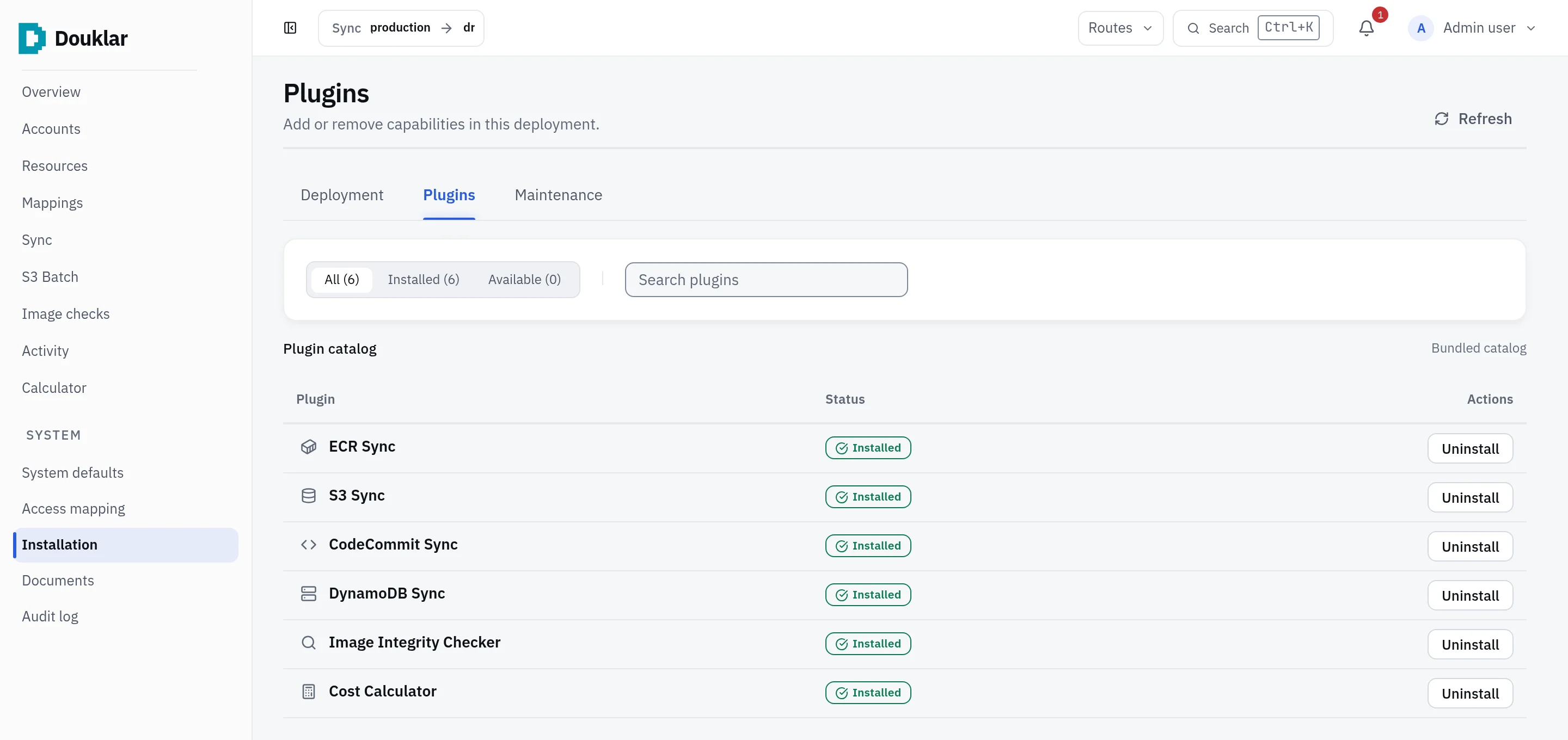
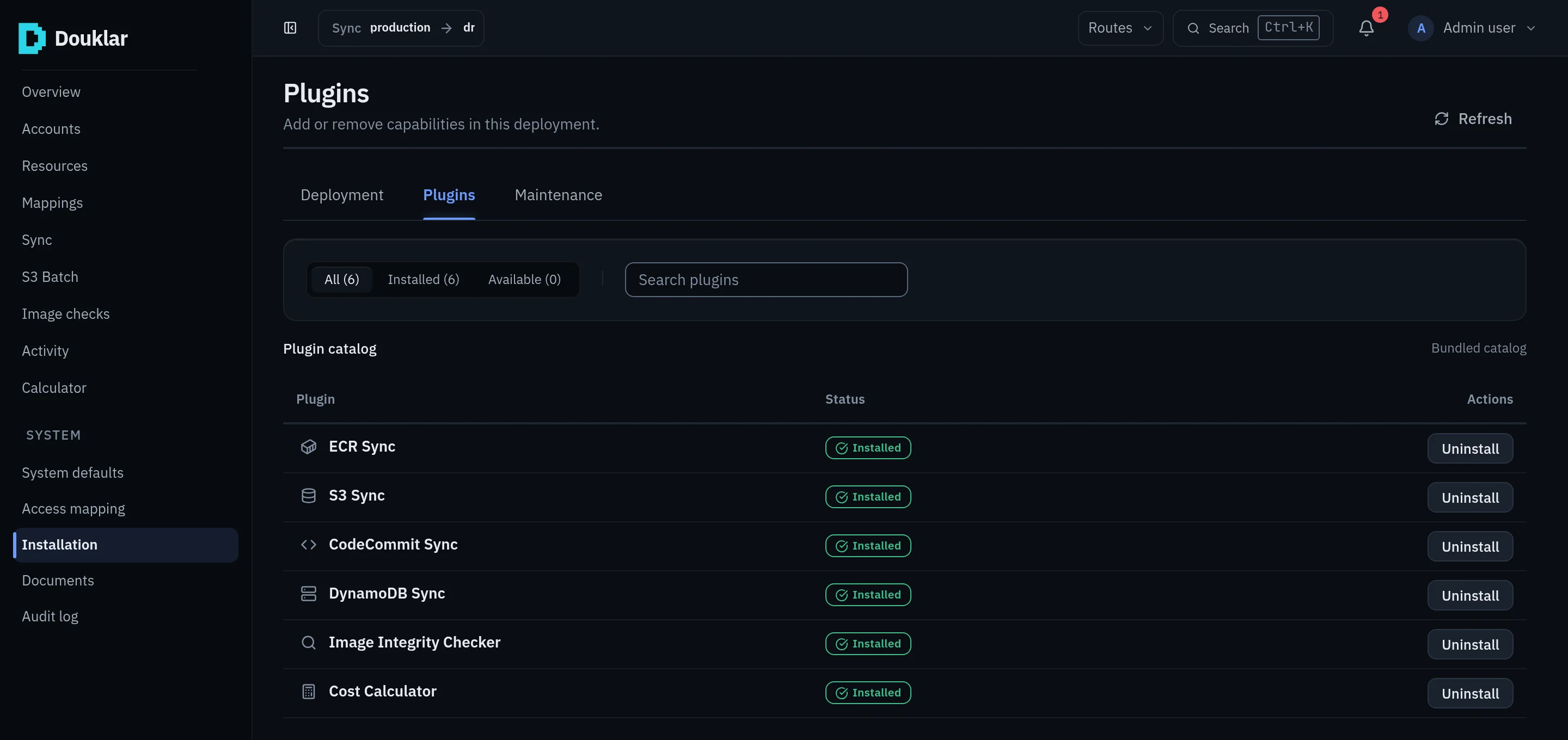
Plugins
The console's features come as six bundled plugins: ECR Sync, S3 Sync, CodeCommit Sync, DynamoDB Sync, Image Integrity Checker and Cost Calculator. "Installed" is a setting: nothing is downloaded or executed when you install one, and uninstalling keeps its data.
The Calculator
The Calculator estimates the AWS cost of a one-time S3 copy from an offline
AWS price snapshot and makes no AWS call. Every amount is an estimate, shown
with ~$. It is not a price for Douklar.