How a run works
What happens between pressing Run and reading the record: the queue, the worker, the states a run can end in, and where the bytes go.
Douklar runs as two processes from the same image: the backend, which serves the console and the API, and the sync worker, which does the copying. They share one PostgreSQL database. The CLI uses the same core code as the backend.
From Run to record
- Queued. Pressing Run stores a job in PostgreSQL. The job binds the non-secret configuration you reviewed: the mappings, the options, the accounts.
- Claimed. The worker polls the queue (every second by default), claims the job and checks the bound configuration and the AWS identities again. A setup that changed since you queued it is refused instead of run.
- Running. Mappings run in parallel, a few per service at a time (ECR 4, S3 3, CodeCommit 3, DynamoDB 3 by default). Logs stream to the console over a WebSocket while the run is open.
- Verified. Each service checks what arrived: ECR digests and referrer graphs, a HEAD bound to each S3 server-side copy, CodeCommit ref parity, DynamoDB item reads.
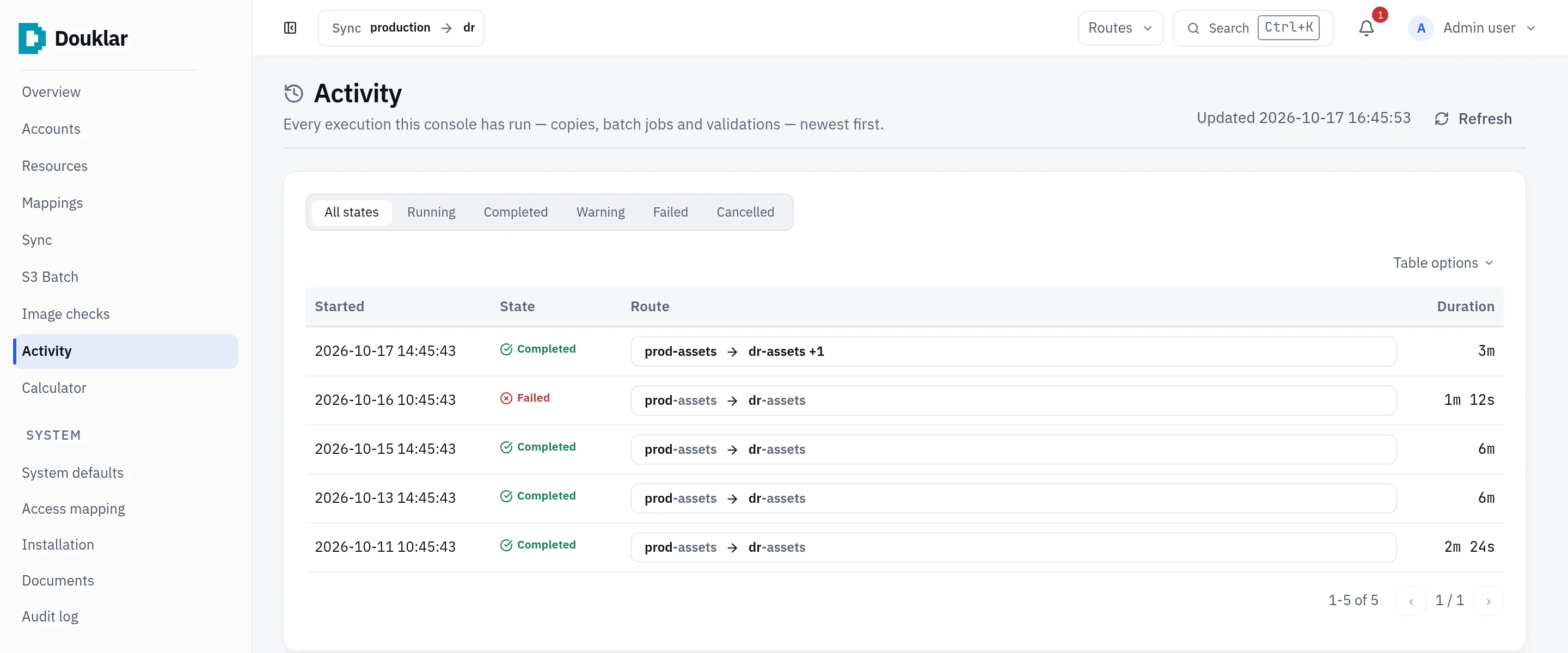
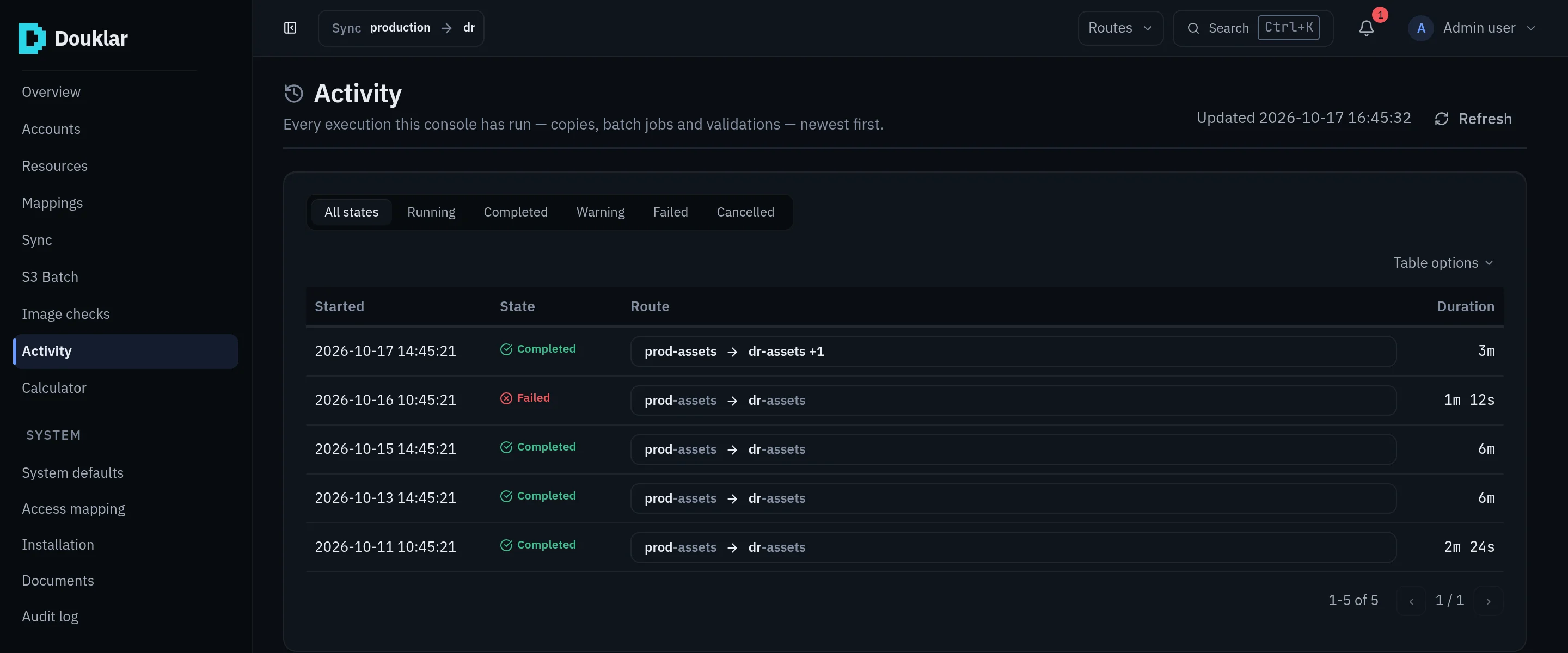
- Recorded. The run ends in one state and stays in Activity with its counts, logs and per-resource outcomes.
The states
| State | Meaning |
|---|---|
queued | Waiting for the worker |
running | The worker is copying |
completed | The run finished with no failed resource |
partial | Some resources succeeded and some failed; Retry failed repeats only the failed ones |
error | The run stopped on an error |
cancelled | Someone cancelled it |
timeout | It passed its deadline (SYNC_JOB_TIMEOUT_SECONDS, two hours by default) |
The Activity filters group them as Running, Complete, Warning, Failed and Cancelled.
Where the bytes go
| Path | Data passes through |
|---|---|
| S3 worker relay | The worker's staging disk: downloaded from the source, then uploaded |
| S3 server-side copy, S3 Batch | Stays inside AWS; Douklar sends only requests |
| S3 local-file upload | The browser sends files straight to S3 with presigned URLs |
| ECR | oras on the worker streams blobs from registry to registry |
| CodeCommit | git on the worker keeps a local mirror, then pushes |
| DynamoDB | The worker reads items with Scan and writes them with PutItem |
AWS bills requests, transfer, Batch jobs and KMS calls to the accounts whose identities make them. The Calculator estimates the S3 part.
What does not happen
Nothing runs on a schedule: a run starts when a person starts it. There are no external notifications; the console's inbox, bell and status pill show outcomes. One backend and one worker serve a deployment; running several replicas is not supported.