Discovery and mappings
Find the resources in each account and map each source to its destination.
Discovery
Douklar keeps cached catalogs of S3 buckets and ECR repositories per account, under Resources. Refresh them explicitly with Refresh AWS; Load cached reuses the last list. Caches of signed-out accounts are withheld.
Mappings
A mapping is one source to destination pair for one service:
- ECR: a repository and tags.
- S3: a bucket (optionally with a prefix group).
- CodeCommit: a repository.
- DynamoDB: a table.
Destinations may have a different name than the source. Mappings are grouped by app, so one run can select a whole application's resources.
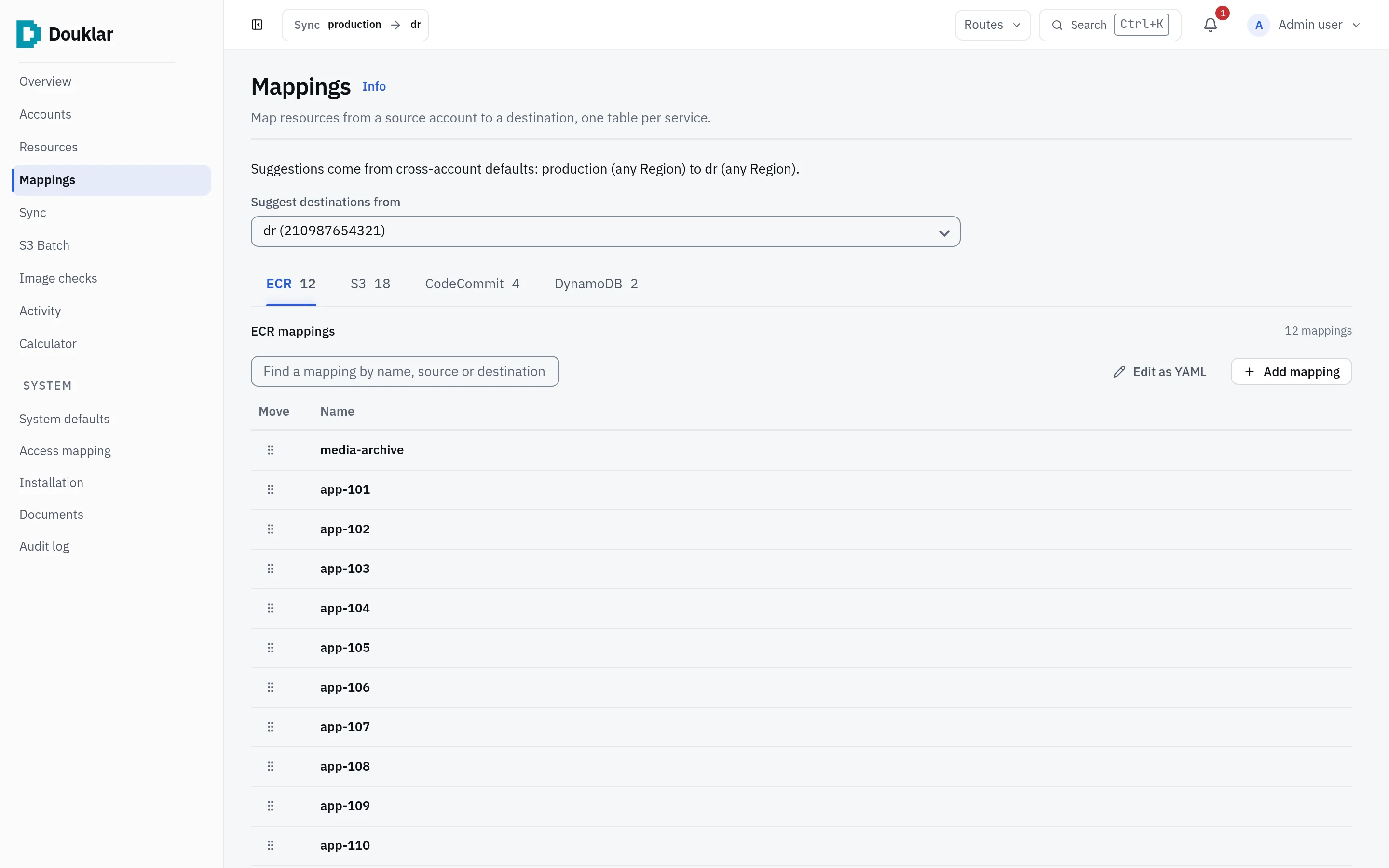
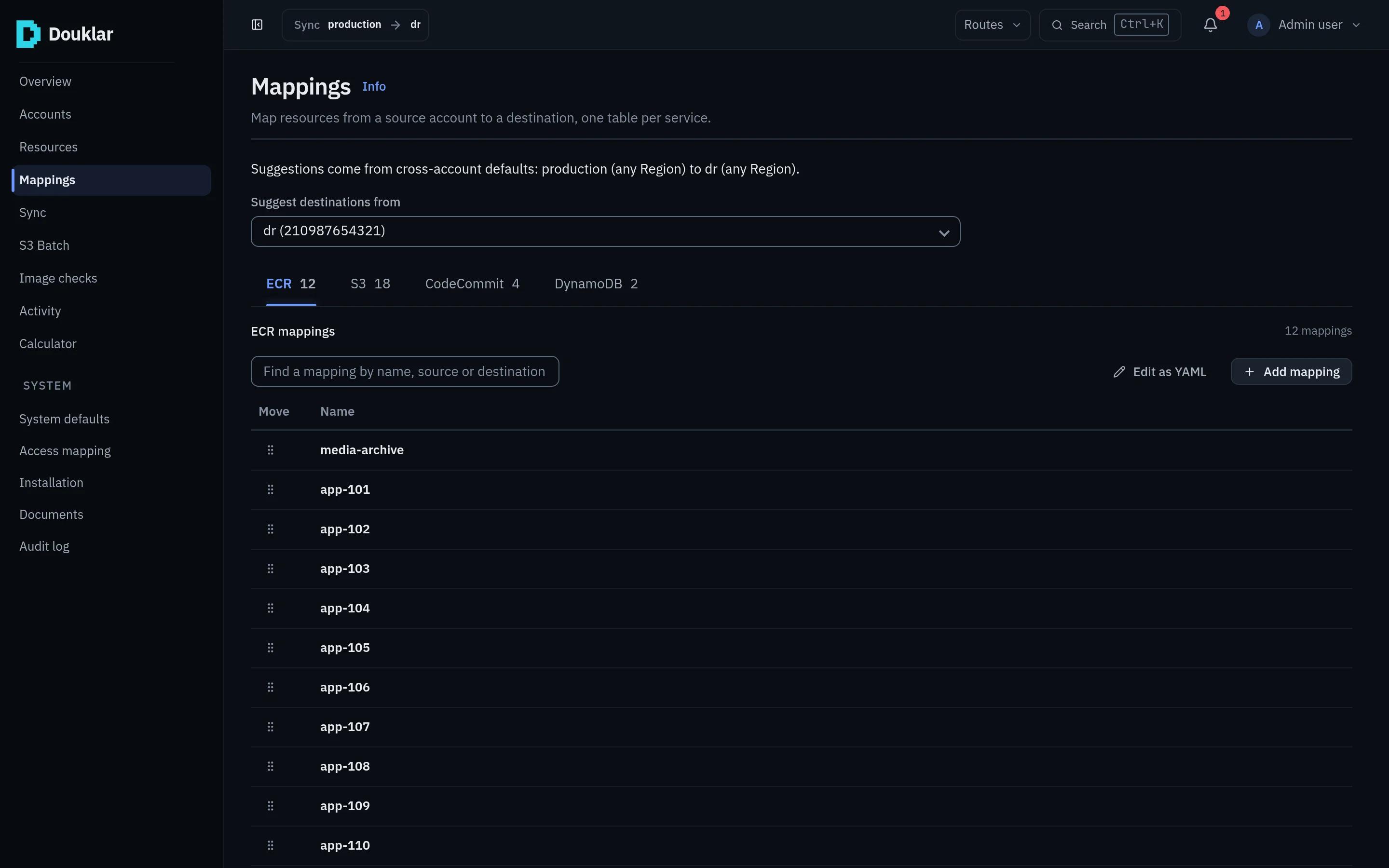
One run can fan out from one source to several destination accounts.
Where mappings live
Mappings are edited in the console's Mapping studio or in
config/simple-config.ini. The runtime file config/sync.yaml is generated
from it; edit the INI file, not sync.yaml. Unsaved edits are autosaved, and each browser
tab keeps its own working copy.
These files hold no AWS secret keys; credentials stay in the profiles.
With the CLI:
douklar config validate --config config/simple-config.ini
douklar config generate --config config/simple-config.ini --format yaml --output config/sync.yamlMoving config from the CLI to the console
Configuration moves one way, from CLI to console, as an exported bundle. The console previews the bundle and applies it only when you confirm. Bundles can be signed with Ed25519; unsigned bundles are accepted with a warning unless the console requires signatures.