S3 Batch Operations
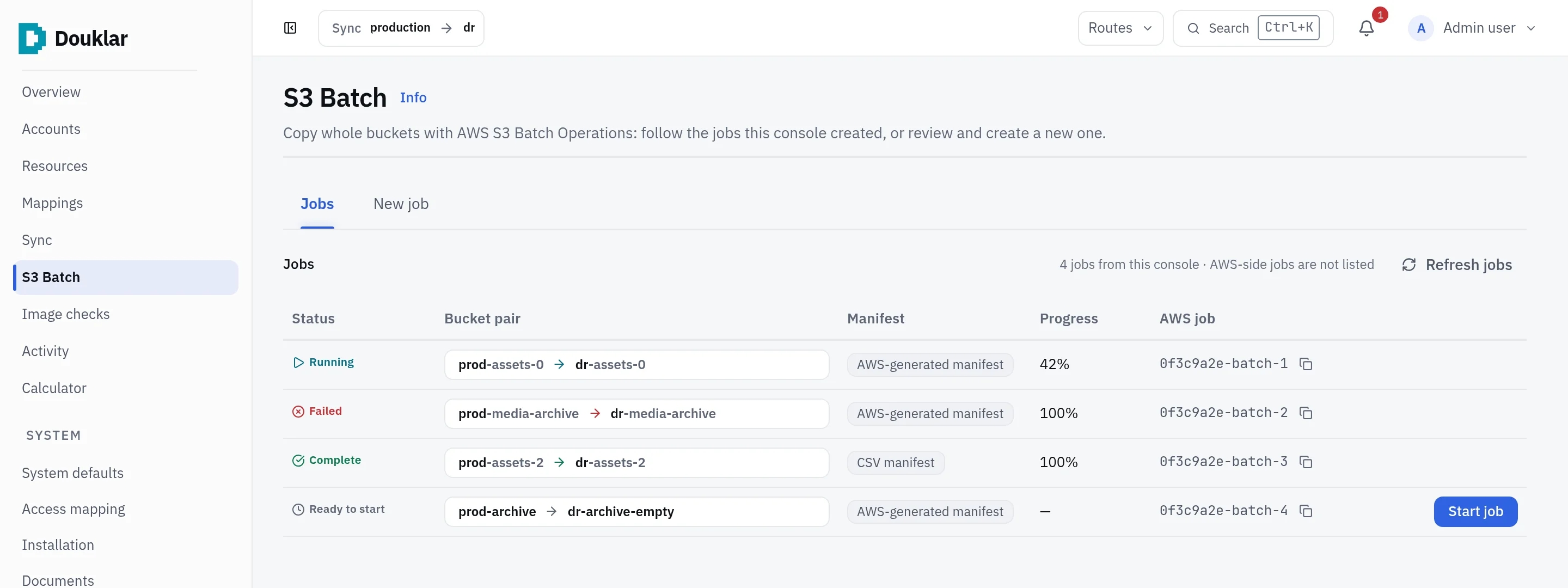
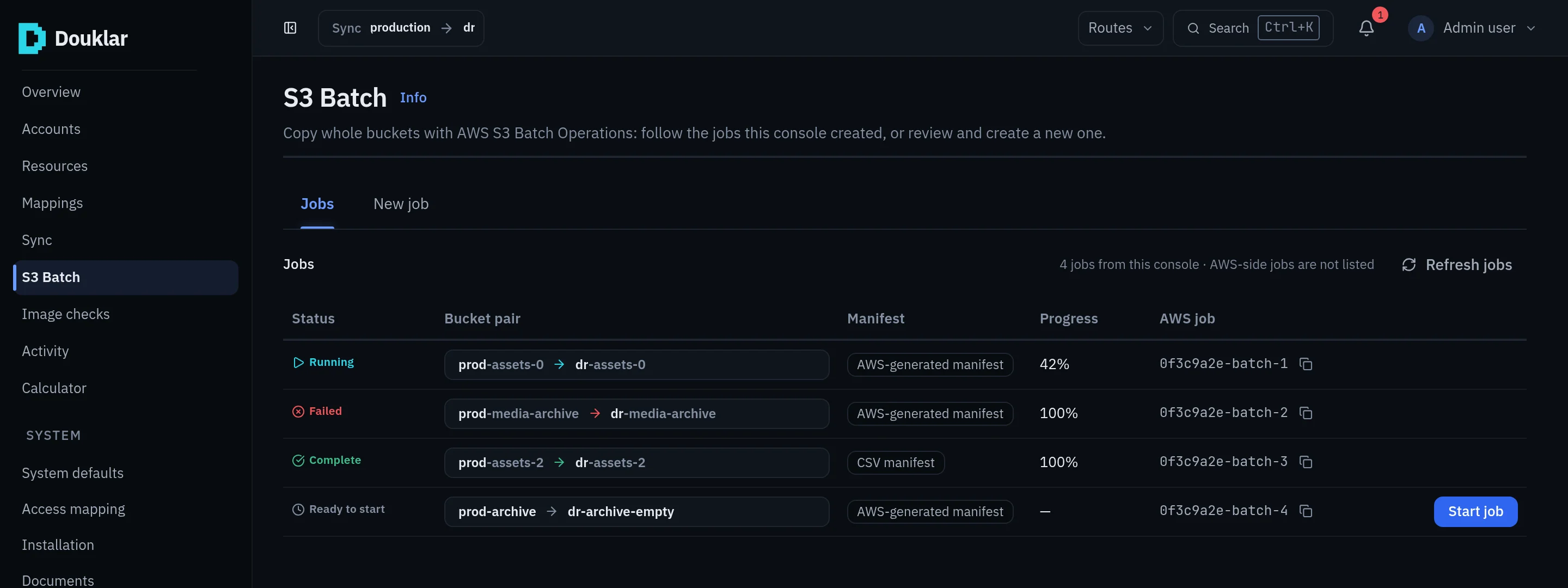
The dedicated console for large S3 copies with AWS S3 Batch Operations, from readiness to completion report.
For large S3 moves, Douklar wraps AWS S3 Batch Operations with readiness checks, manifests and evidence.
Readiness
A read-only inspection of what a Batch job needs: the role, the operations bucket, the source bucket policy, and S3 Inventory. Missing source-side changes are handed over as exact statements for the source bucket's owner to apply.
Prepare
Prepare is the only action in Douklar that creates resources. In the destination account it creates a support bucket, the Batch role and its policy, after you confirm the listed writes. Prepare lists each write with its exact document and writes nothing if the list changed in the meantime. Prepare runs only when you start it; submitting a job does not run it.
Manifests
| Mode | What it is |
|---|---|
| Generated CSV | Version-pinned list of only the missing or changed objects |
| S3 Inventory | Built from an S3 Inventory report |
| AWS-generated | Same Region, empty destination; the job is held until you press Start |
If nothing is missing, no AWS job is created.
Jobs
Submit, monitor (status refreshes every 8 seconds), cancel, preview the
completion report, and see a cost estimate per job. Jobs are tagged
ManagedBy=douklar; Douklar adds no tags to your objects.
Retry unfinished objects
A Batch job that failed, was cancelled, or completed with failed tasks can be retried from the Jobs drawer with Retry unfinished objects. The retry is a new AWS job, with a new ID and a new job fee.
| Parent job | Rows the retry considers |
|---|---|
Complete with failed tasks | The failed rows of the completion report |
Failed or Cancelled, tasks ran | The parent manifest minus the report's succeeded rows |
| No task ran | The whole parent manifest |
| No complete report, or the report or manifest changed | None: refused, use New job |
Before submitting, Douklar checks the destination for every remaining row and leaves out the rows it already holds. Rows that cannot succeed are left out and listed: archived objects, objects over 5 GiB, and objects deleted from the source. The retry lists no source bucket.
Limits
- 5 GiB per object for Copy (an AWS limit, checked in preflight).
- A chosen KMS key is not yet supported for Batch runs.
- Batch builds
arn:aws:ARNs, so other AWS partitions are not supported. - Archived objects are refused with restore guidance.
Sync or Batch?
Douklar recommends a path from configurable, advisory thresholds: buckets over 5 GiB or 100,000 objects lean towards Batch.